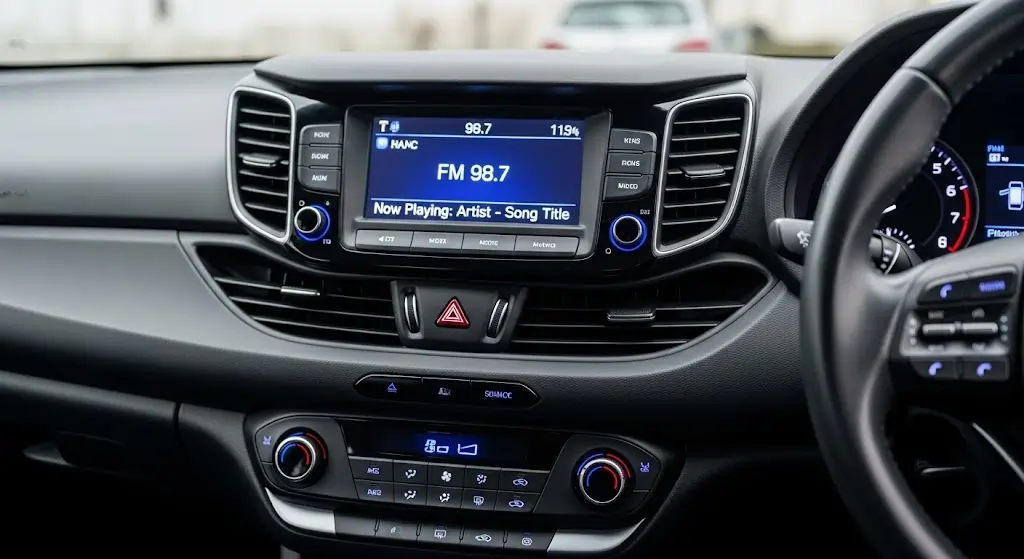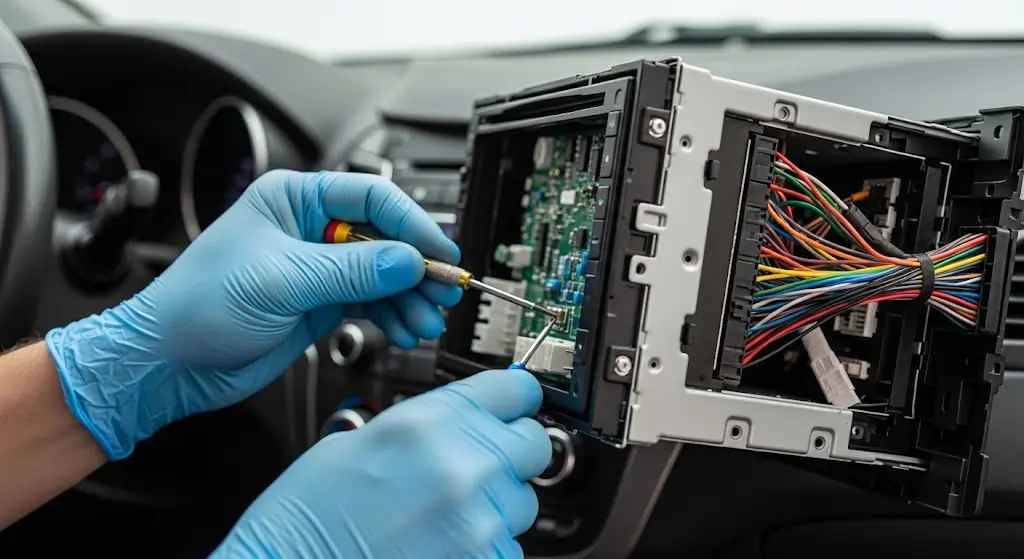
Hyundai i30 audio and radio problems can involve the factory head unit, power supply, wiring, speakers, display, Bluetooth connection, USB connection or other parts of the audio system. The cause depends on the i30 generation, the factory stereo fitted and exactly what stops working.
Some Hyundai i30 factory radios are also associated with specific faults. For example, specialist electronics repair businesses have documented GD-01/GD01 units with intermittent audio, loss of radio sound, static and complete no-sound problems.
This page covers common Hyundai i30 stereo symptoms, what they may indicate and when repairing or replacing the head unit may make sense.

Hyundai i30 Radio Problems: Quick Summary
Radio turns on but no sound: Could involve the head unit, amplifier, wiring, power supply or speaker circuit.
Sound cuts in and out: May point to an internal radio fault, connection problem or another intermittent audio-system fault.
FM has no sound but Bluetooth or CD works: The problem may be within the tuner or radio section rather than the speakers.
Radio has no power: Check power, fuse, ground, wiring and the head unit itself.
Touchscreen is blank or frozen: The display, touchscreen layer or head unit may be responsible.
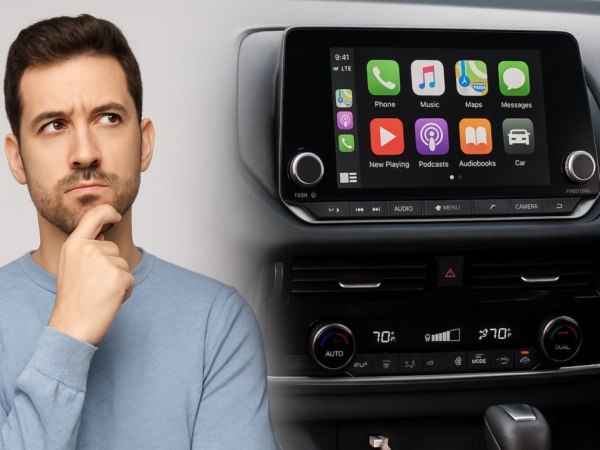
Older factory system lacks CarPlay or Android Auto: A compatible replacement head unit may be a practical option.
Hyundai i30 Factory Radio Models and Reported Problems
The factory radio model can make a significant difference when diagnosing a Hyundai i30 stereo problem. Different i30 generations use different audio units, and faults reported on one model should not automatically be applied to every Hyundai i30.
| Factory Radio | Reported Problems | Useful Information |
|---|---|---|
| GD-01 / GD01 | Intermittent sound, no sound, FM or AM static, touchscreen problems and CD faults | Check whether one audio source fails before others |
| LAN7227AHPD | No sound, touchscreen or display problems | Check whether audio continues when the display fails |
| FD01 / FD-01 | CD loading, playback or ejection problems | Check whether radio and other audio functions still operate |
| LAN1050EHGD / LAN1050EHDM | Screen, touchscreen and CD faults | Separate display problems from complete radio failure |
These fault associations have been reported by specialist automotive electronics repair businesses. They do not mean every radio with the same model number will develop the same problem. Identifying the fitted stereo and testing the actual symptoms remains important before deciding what needs to be repaired or replaced.
1. Hyundai i30 Radio Turns On but Has No Sound
If your Hyundai i30 radio switches on but produces no sound, the cause may be inside the head unit or elsewhere in the audio system. Possible causes include an internal stereo fault, amplifier problem, wiring fault, power issue or speaker circuit problem.
One of the first useful checks is whether every audio source has lost sound.
If FM, Bluetooth, CD and other sources are all silent, the problem may affect a common part of the audio system. If Bluetooth still works but FM does not, or CD still produces sound while the radio does not, that difference can help narrow the fault.
Some GD-01/GD01 factory stereos have been reported with intermittent audio loss that can later progress to complete loss of sound. Checking the radio model can therefore be useful before replacing speakers or other components.
2. Hyundai i30 Audio Cuts In and Out
Hyundai i30 audio that cuts in and out may be caused by an intermittent head-unit fault, wiring problem, poor connection or another issue within the audio system. The behaviour of different audio sources can provide useful diagnostic information.
Notice whether the sound disappears when listening to FM, Bluetooth, CD or every source. Also note whether changing the source brings the sound back and whether the problem changes after the vehicle has been running for some time.
Intermittent faults can be harder to identify because the stereo may operate normally when the vehicle is inspected. Recording exactly what happens before the sound disappears can help narrow the cause.
3. Hyundai i30 FM Radio Has Static, No Sound or Poor Reception
FM radio problems in a Hyundai i30 can involve the antenna circuit, reception, tuner section or the factory head unit. If Bluetooth, CD or another source continues to produce normal sound, the speakers are less likely to be the cause.
Static or weak reception does not always mean the entire stereo needs replacing. Antenna connections and reception should be considered separately from faults affecting the radio electronics.
Some GD-01/GD01 fault reports also describe cases where FM or AM develops static or stops producing sound before a broader audio problem develops.
4. Hyundai i30 Radio Will Not Turn On
A Hyundai i30 radio that will not turn on can have a power-supply problem, blown fuse, ground fault, wiring problem or internal head-unit failure. A blank display does not always mean that the complete radio has lost power.
Check whether any buttons illuminate, whether steering-wheel audio controls respond and whether sound can still be heard despite the blank screen.
It is also useful to consider when the problem started. If it appeared after battery replacement, electrical work or another installation, that information may help isolate the cause.
5. Hyundai i30 Bluetooth Connects but There Is No Sound
If your Hyundai i30 shows that Bluetooth is connected but no audio plays, compare Bluetooth with FM, CD or another available source. If every source is silent, the fault may be broader than the Bluetooth connection itself.
If radio audio works normally but Bluetooth does not, check the selected source, phone media permissions, saved Bluetooth connection and phone settings.
Testing a second compatible phone can also help determine whether the problem follows the phone or remains with the vehicle.
6. Hyundai i30 Bluetooth Keeps Disconnecting
Repeated Bluetooth disconnections can come from the phone, stored pairing information, connection settings or the head unit. Testing another compatible phone can help separate a phone-specific problem from a vehicle-side problem.
Removing an old Bluetooth pairing and setting it up again may help when the connection itself has become corrupted.
However, if Bluetooth dropouts occur alongside FM audio loss, intermittent sound or other stereo faults, the Bluetooth problem may be part of a wider head-unit issue rather than a standalone pairing problem.
7. Hyundai i30 Touchscreen Is Frozen, Blank or Not Responding
A frozen, blank or unresponsive Hyundai i30 touchscreen can involve the display, touchscreen layer or head unit. Checking whether audio and physical controls still operate can help separate a screen problem from complete stereo failure.
If music continues playing while the screen remains blank, the fault may be limited to the display section. If the screen, audio and controls all stop working, a wider head-unit or power problem becomes more likely.
Screen and touchscreen faults have been reported on several Hyundai i30 factory-radio models, including LAN7227AHPD and LAN1050EHGD/LAN1050EHDM units.
8. Hyundai i30 CD Will Not Play, Load or Eject
A Hyundai i30 CD problem can be limited to the disc mechanism even when the rest of the stereo continues to operate normally. If FM, Bluetooth and other functions still work, the entire audio system has not necessarily failed.
FD01/FD-01 and LAN1050-series units are among the Hyundai radios associated with CD loading, playback or ejection faults.
A disc should not be forced into or out of a faulty mechanism because this can cause additional damage.
9. Hyundai i30 Apple CarPlay Is Not Connecting
Apple CarPlay problems can involve the USB connection, cable, phone permissions, wireless connection or the fitted head unit. The first step is confirming whether the Hyundai i30 actually has factory or aftermarket CarPlay support.
For wired CarPlay, check that the correct USB port is being used and try a suitable cable. Also confirm that CarPlay is permitted in the iPhone settings.
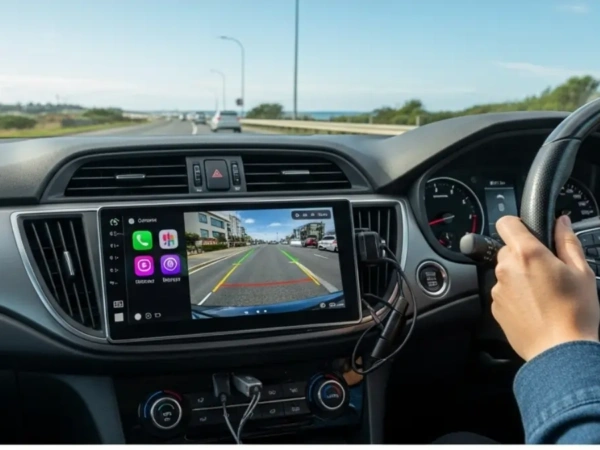
Older Hyundai i30 models may not support Apple CarPlay through the original stereo. In those vehicles, installing a compatible replacement head unit can add Apple CarPlay together with other newer audio and phone features.
10. Hyundai i30 Android Auto Is Not Working
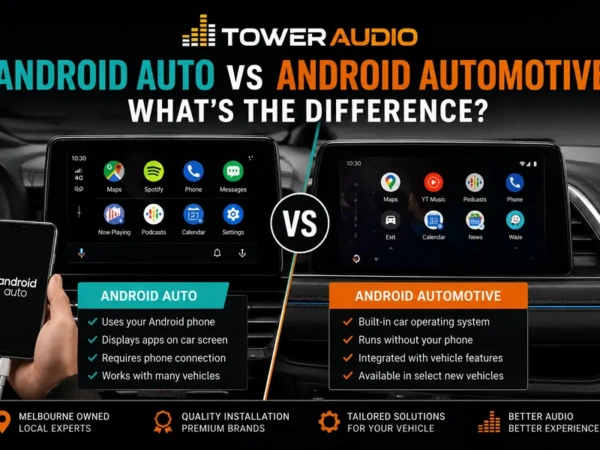
Android Auto connection problems can involve the phone, USB cable, USB port, phone permissions or compatibility with the fitted head unit. Confirm first whether the vehicle’s current stereo supports Android Auto.
If Android Auto previously worked, test the physical connection and phone settings before assuming the head unit has failed.
If the original Hyundai stereo does not support Android Auto, adding the feature may require replacing the existing unit with a compatible system.
11. Hyundai i30 Reverse Camera Is Not Displaying
If the Hyundai i30 reverse camera image does not appear, the problem may involve the camera, wiring, reverse trigger, video input or display. Whether the screen works normally in every other mode provides an important clue.
If the display is blank during normal radio use as well as when reverse is selected, the screen or head unit may need attention.
If the screen works normally but nothing changes when reverse is selected, the camera circuit, reverse trigger and input should be considered separately.
12. Hyundai i30 Speakers Crackle, Distort or Sound Weak
Crackling, distortion or weak sound can come from a damaged speaker, poor connection, wiring issue, amplifier problem or distorted output from the head unit. Whether the problem affects one speaker or the entire system can help narrow the cause.
If only one door speaker distorts, the fault may be local to that speaker or its wiring.
If all speakers distort, cut out or lose sound at the same time, the problem may be earlier in the audio signal chain.
Does a Hyundai i30 No-Sound Problem Need a Software Update?
A software update should not automatically be treated as the solution to a Hyundai i30 no-sound problem. Software can be relevant to some connectivity or operating problems, but it cannot be assumed to repair a hardware fault inside the stereo.
This distinction is especially important where a factory unit follows a documented pattern of intermittent audio or complete sound loss.
A reset that temporarily restores sound also does not prove the underlying fault has disappeared. An intermittent problem may return later.
Is the Small Hole on the Hyundai i30 Radio a Reset Button?
On GD-01/GD01 units discussed by specialist radio repair businesses, the small hole in the front panel is identified as the Bluetooth microphone rather than a reset button. Do not insert a pin or other object into it unless instructions for the exact stereo model state that it is a reset control.
This is an example of why identifying the radio model is important before following reset instructions found online. Different Hyundai i30 head units can have different controls and procedures.
Hyundai i30 Radio Problem: Repair or Replace?
Repair can make sense when you want to retain the factory system and the existing radio has a repairable fault, while replacement may make more sense if you also want newer features. The right option depends on the fault, the fitted stereo and what you want from the system afterwards.
| Situation | Option to Consider |
|---|---|
| Factory radio has one identifiable fault | Check whether repairing the existing unit is practical |
| Radio has intermittent or complete loss of sound | Identify the unit and diagnose the audio fault first |
| Touchscreen or CD has failed but the factory system otherwise suits you | Compare repair with replacing the unit |
| You want Apple CarPlay or Android Auto | Consider a compatible replacement head unit |
| The factory stereo has several faults and lacks newer functions | Compare repair cost with a modern replacement system |
| You do not know whether the radio, wiring or speakers are responsible | Have the system checked before buying replacement parts |
What Hyundai i30 Owners Should Avoid
Avoid replacing parts until you have enough information to identify where the fault is occurring. Similar symptoms can have different causes, so replacing the first component that appears suspicious can add cost without fixing the original problem.
- Do not assume that a radio with no sound automatically has failed speakers.
- Do not assume every Hyundai i30 uses the same factory stereo.
- Do not insert a pin into a front-panel opening unless the instructions for that exact radio identify it as a reset control.
- Do not assume a software update will repair an internal hardware fault.
- Do not force a CD into or out of a faulty mechanism.
- Do not buy replacement stereo equipment without checking vehicle compatibility and any factory functions that need to remain operational.
Information to Check Before Booking a Hyundai i30 Stereo Inspection
Knowing the vehicle year, radio model and exact symptoms can make the initial assessment much more useful. You do not need to diagnose the fault yourself, but a few details can help describe what the stereo is doing.
Where possible, note:
- Hyundai i30 year or generation
- Factory radio model if visible
- Whether the radio turns on
- Whether FM produces sound
- Whether Bluetooth produces sound
- Whether CD or another audio source works
- Whether the problem is constant or intermittent
- Whether the touchscreen still responds
- Whether steering-wheel audio controls still work
- Whether anything changed shortly before the problem began
A clear photo of the dashboard and factory stereo can also help identify which system is fitted.
Hyundai i30 Stereo Repairs and Upgrades in Melbourne
Tower Audio can assist Melbourne Hyundai i30 owners with stereo problems, replacement head units and car audio upgrades from its Cheltenham workshop. If the radio has no sound, cuts out, will not turn on or has another audio problem, the first step is establishing whether the fault is in the stereo or another part of the audio system.
If you want to retain the existing system, ask Tower Audio about car stereo repairs in Melbourne.
If replacing the factory stereo makes more sense, Tower Audio also provides head unit installation in Melbourne, including compatible systems that can add features such as Apple CarPlay and Android Auto.

Hyundai i30 Audio and Radio FAQs
Why does my Hyundai i30 radio turn on but have no sound?
A Hyundai i30 radio that powers on without producing sound can have a head-unit, amplifier, wiring, power or speaker-circuit problem. Checking whether every audio source is silent can help narrow down which part of the system needs attention.
What is the Hyundai i30 GD-01 or GD01 no-sound problem?
Specialist repair businesses have documented GD-01/GD01 radios with intermittent audio, radio sound loss, static and complete no-sound faults. The exact symptoms should still be checked because not every GD-01 problem has the same cause.
Why does my Hyundai i30 FM radio have no sound but Bluetooth works?
If Bluetooth produces sound while FM does not, the speakers are clearly capable of producing audio. The problem may therefore be related to reception, the antenna circuit, tuner section or another part of the radio rather than the speakers.
Can a Hyundai i30 factory radio be repaired?
Some Hyundai i30 factory radios can be repaired, depending on the model and fault. The stereo should be identified and the repair cost compared with replacement before deciding which option makes more sense.
Will resetting the radio fix a Hyundai i30 no-sound problem?
A reset may correct some temporary operating problems, but it should not be assumed to repair an internal hardware fault. If the audio problem repeatedly returns, further diagnosis is appropriate.
Will a software update fix my Hyundai i30 radio?
Software may be relevant to some operating or connectivity problems, but it will not necessarily repair a hardware problem inside the radio. The symptom and radio model need to be considered first.
Is the small hole on a Hyundai i30 GD-01 radio a reset button?
Specialist repair sources identify the small front-panel hole on the GD-01/GD01 as the Bluetooth microphone, not a reset button. Avoid inserting anything into it.
Can Apple CarPlay be added to an older Hyundai i30?
Many older Hyundai i30 models can be fitted with an aftermarket head unit that provides Apple CarPlay. The correct system depends on the vehicle year, dashboard configuration and factory equipment.
Can Android Auto be added to an older Hyundai i30?
Android Auto can be added to many Hyundai i30 models through a compatible replacement head unit. The installation should account for any existing vehicle controls or factory features that need to remain in use.
How much does Hyundai i30 stereo repair cost?
The cost depends on the factory stereo and the actual fault. A screen problem, no-sound fault, CD mechanism problem and complete head-unit replacement involve different work, so identifying the problem first is necessary before pricing the job.
Should I replace my Hyundai i30 stereo if the sound keeps cutting out?
Not necessarily. Intermittent audio can come from the head unit or another part of the system, so identifying the cause before buying a replacement stereo can prevent unnecessary expense.
Having Problems With Your Hyundai i30 Stereo?
If your Hyundai i30 radio has no sound, keeps cutting out, will not turn on, has a faulty screen or you want to replace the factory stereo, contact Tower Audio in Cheltenham.
Tower Audio can help assess the existing audio system and discuss repair or replacement options based on the vehicle and the symptoms you are experiencing.
If you also want newer features, a compatible head unit can add Apple CarPlay, Android Auto, Bluetooth and other modern in-car functions.
Call Tower Audio on (03) 9553 3054 to discuss your Hyundai i30 stereo problem or arrange a visit to the Cheltenham workshop.
Tower Audio
Factory 5/417 Warrigal Road
Cheltenham VIC 3192