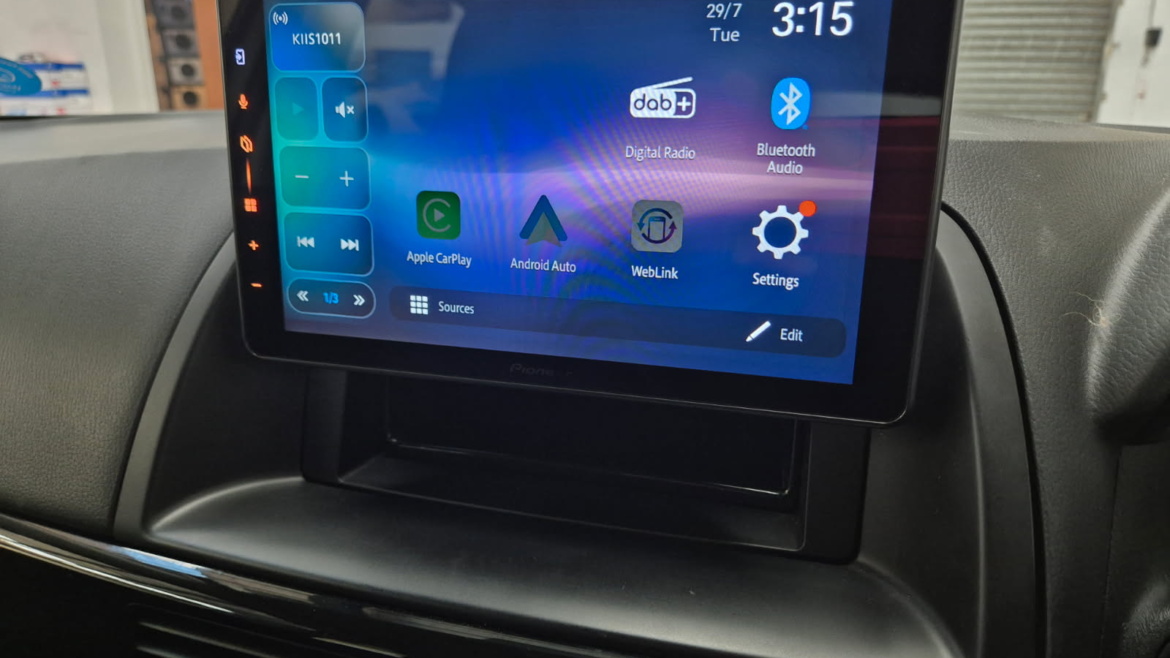
We recently upgraded a Mazda CX-5 with a Pioneer 9-inch floating tablet head unit featuring Apple CarPlay and Android Auto, and the transformation was immediate.
The goal was simple. Make the car feel modern again without changing the vehicle. The result was a clean, factory-looking install with a much larger screen, smoother phone integration, and a more enjoyable daily driving experience.
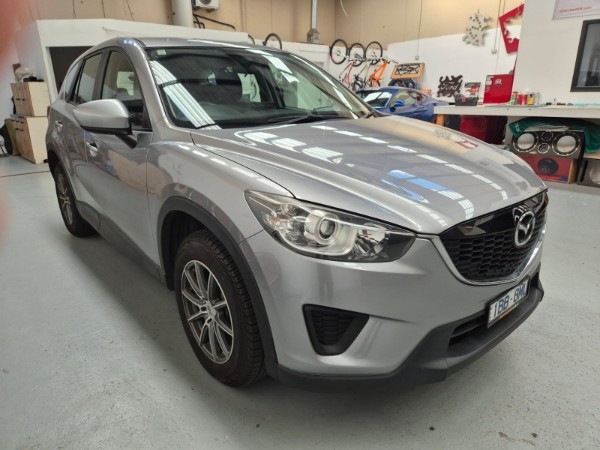
Why Upgrade the Factory CX-5 Screen?
The CX-5 is a solid SUV, but like many factory infotainment systems, the original screen starts to feel dated over time. Smaller display, slower response, limited app flexibility.
The owner wanted:
- A larger screen for navigation
- Easier access to Spotify and music apps
- Proper Apple CarPlay and Android Auto
- A cleaner, more premium dashboard look
Upgrading to a 9 inch floating display solved all of that in one go.
The Pioneer 9 Inch Floating Tablet Setup
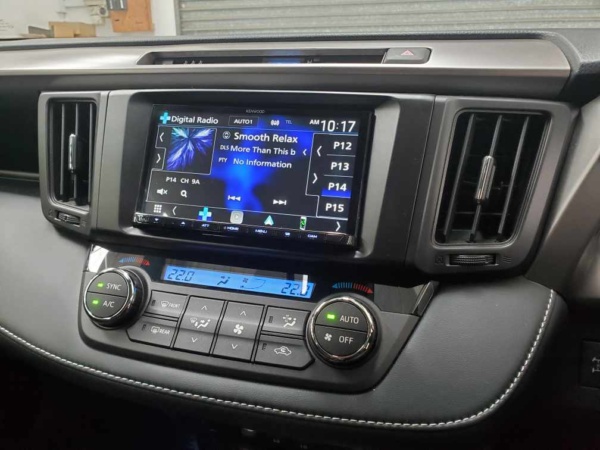
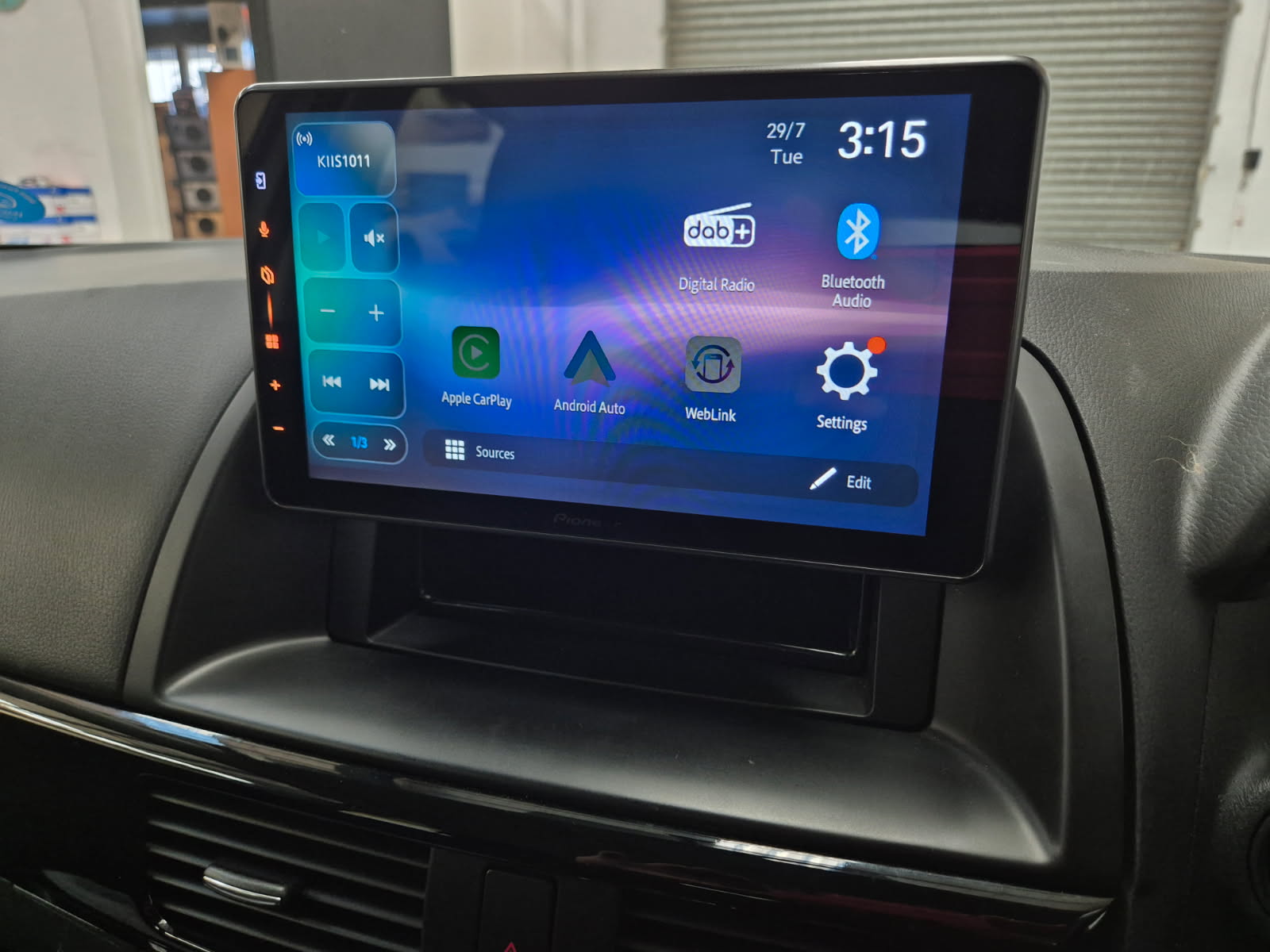
We installed a 9-inch floating tablet-style head unit from Pioneer Corporation. The floating design means the screen sits slightly forward of the dash, giving you a larger display without heavy dashboard modification.
Positioning is everything with these screens. Too high or too low and it looks out of place. On this CX-5, the screen sits comfortably within the driver’s natural line of sight and does not interfere with the vents or controls.
Once powered up, the difference is obvious. The larger display makes maps easier to read and gives the interior a much newer feel.
Apple CarPlay and Android Auto in Daily Driving
This is where the upgrade really shines.
With Apple CarPlay and Android Auto active, the driver now gets:
- Real-time navigation with Google Maps or Apple Maps
- Voice control using Siri or Google Assistant
- Quick access to Spotify, Apple Music and podcasts
- Safer hands-free calls and messaging
Instead of learning a new infotainment system, you use the phone interface you already know. It feels intuitive from day one.
For most drivers upgrading their car audio visual system, this is the feature that makes the biggest difference.
What Was Involved in the Installation?
This was a clean integration job, not a quick plug-in and hope for the best approach.
The process included:
- Removing dash trims carefully
- Installing mounting brackets for the floating display
- Integrating the wiring harness properly
- Routing USB for a stable CarPlay and Android Auto connection
- Positioning the external microphone for clear calls
- Full system testing before reassembly
Steering wheel controls were retained, and the reverse camera functionality was checked and confirmed.
The key with these installs is taking time with cable management and screen alignment. That is what separates a professional-looking finish from something that feels aftermarket in the wrong way.
Before and After Experience
| Area | Before | After |
|---|---|---|
| Screen Size | Smaller factory display | Large 9 inch touch screen |
| Navigation | Basic interface | Full Apple CarPlay and Android Auto |
| Media Access | Multiple menu layers | One tap access via apps |
| Interior Feel | Slightly dated | Modern and premium look |
The owner’s first reaction was that the car felt like a newer model. That is often the feedback we hear after floating screen upgrades.
Is This Upgrade Worth It?
For car owners looking to modernise their audio visual system, this is one of the most impactful upgrades you can make.
It improves:
- Safety through better hands-free use
- Convenience through phone integration
- Visual appeal inside the cabin
- Future upgrade potential for speakers and amplifiers
It does not magically turn stock speakers into a high-end sound system, but it lays a strong foundation for further upgrades.
If your factory screen feels small or outdated, a 9-inch Pioneer floating setup is a practical and worthwhile improvement.
Common Questions
Will I lose my steering wheel controls?
In most CX-5 models, steering wheel controls can be retained with the correct integration.
Does this work with both iPhone and Android?
Yes. Apple CarPlay works with iPhones, and Android Auto works with compatible Android devices.
Does it improve sound quality?
The new head unit provides a cleaner signal and better tuning options. For major sound improvements, speaker upgrades are the next step.
If you are considering upgrading your Mazda CX-5 or another vehicle with a modern CarPlay and Android Auto setup, this type of installation is a great starting point for a refreshed in-car experience.